Website Score Breakdown
Comprehensive analysis across core technical and business dimensions
💡 Get the Full Analysis
See what's behind each score and get specific, step-by-step fixes to improve your site's performance and ranking.
- Specific issues found in your site
- Step-by-step implementation guides
30-Day Money Back Guarantee
Quality Badge
Share your site score on your website

<a href="https://microsaas.directory/saas/youtubetotranscriptcom" target="_blank" rel="noopener">
  <img src="https://microsaas.directory/api/badge/youtubetotranscriptcom.svg" alt="MicroSaaS Directory Badge" />
</a>
Youtube to Transcript
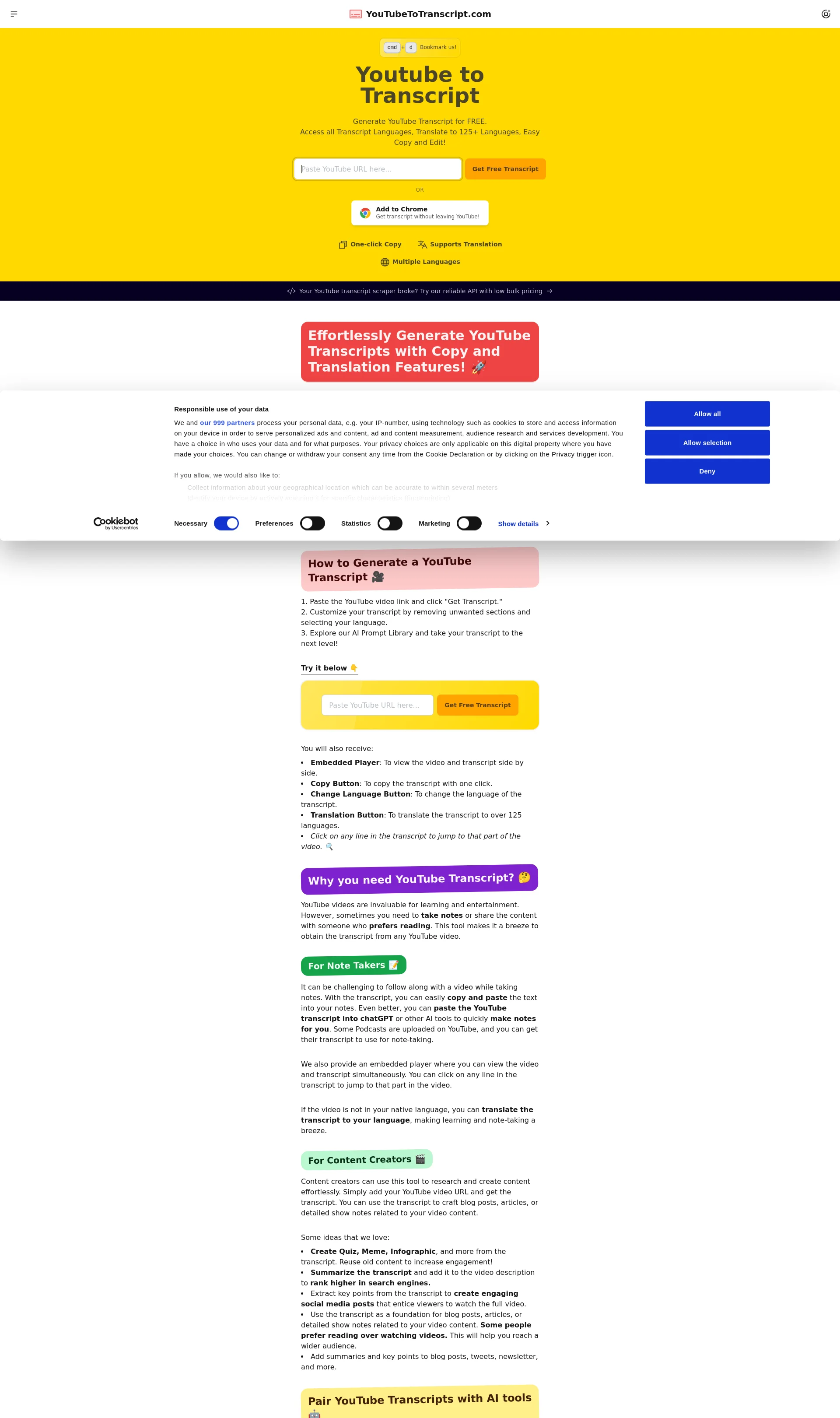
Generate YouTube Transcript for FREE and access all transcript languages, translate to 125+ languages, with easy copy and edit features
Pricing
Categories
Last Updated
Maker
YouTube To Transcript is a free online tool that allows users to generate transcripts from YouTube videos.
Overview
YouTube To Transcript provides an easy way to extract subtitles or transcripts from YouTube videos, making it easier to learn, create, and share content. The tool is completely free to use and allows users to translate transcripts to over 125 languages.
Key Features
- One-click copy of transcripts
- Support for multiple languages
- Translation to over 125 languages
- Remove unwanted sections from transcripts
- Access to a free AI prompt library
How It Works
To generate a transcript, simply paste the YouTube video link and click "Get Transcript." The transcript can then be customized by removing unwanted sections and selecting the desired language.
Benefits
The tool is useful for note-takers, content creators, and anyone who prefers reading over watching videos. It allows users to easily copy and paste transcripts into notes, and even use AI tools to generate summaries and notes.
Use Cases
- Note-taking: easily copy and paste transcripts into notes
- Content creation: use transcripts to craft blog posts, articles, or detailed show notes
- Learning: translate transcripts to your native language for easier understanding
Integrations
The tool can be used with other AI tools to generate summaries, notes, and more.
Pricing Overview
The tool is completely free to use, with no limits on the number of transcripts that can be generated.
Related Apps
Discover similar apps that might interest you