Website Score Breakdown
Comprehensive analysis across core technical and business dimensions
Actionable Insights
💡 Get the Full Analysis
See what's behind each score and get specific, step-by-step fixes to improve your site's performance and ranking.
- Specific issues found in your site
- Step-by-step implementation guides
$69
$39
43% OFF · ONE-TIME
⚠️ $49 on Feb 1st, 2026
30-Day Money Back Guarantee
Quality Badge
Share your site score on your website

<a href="https://microsaas.directory/saas/phototrayio" target="_blank" rel="noopener">
  <img src="https://microsaas.directory/api/badge/phototrayio.svg" alt="MicroSaaS Directory Badge" />
</a>
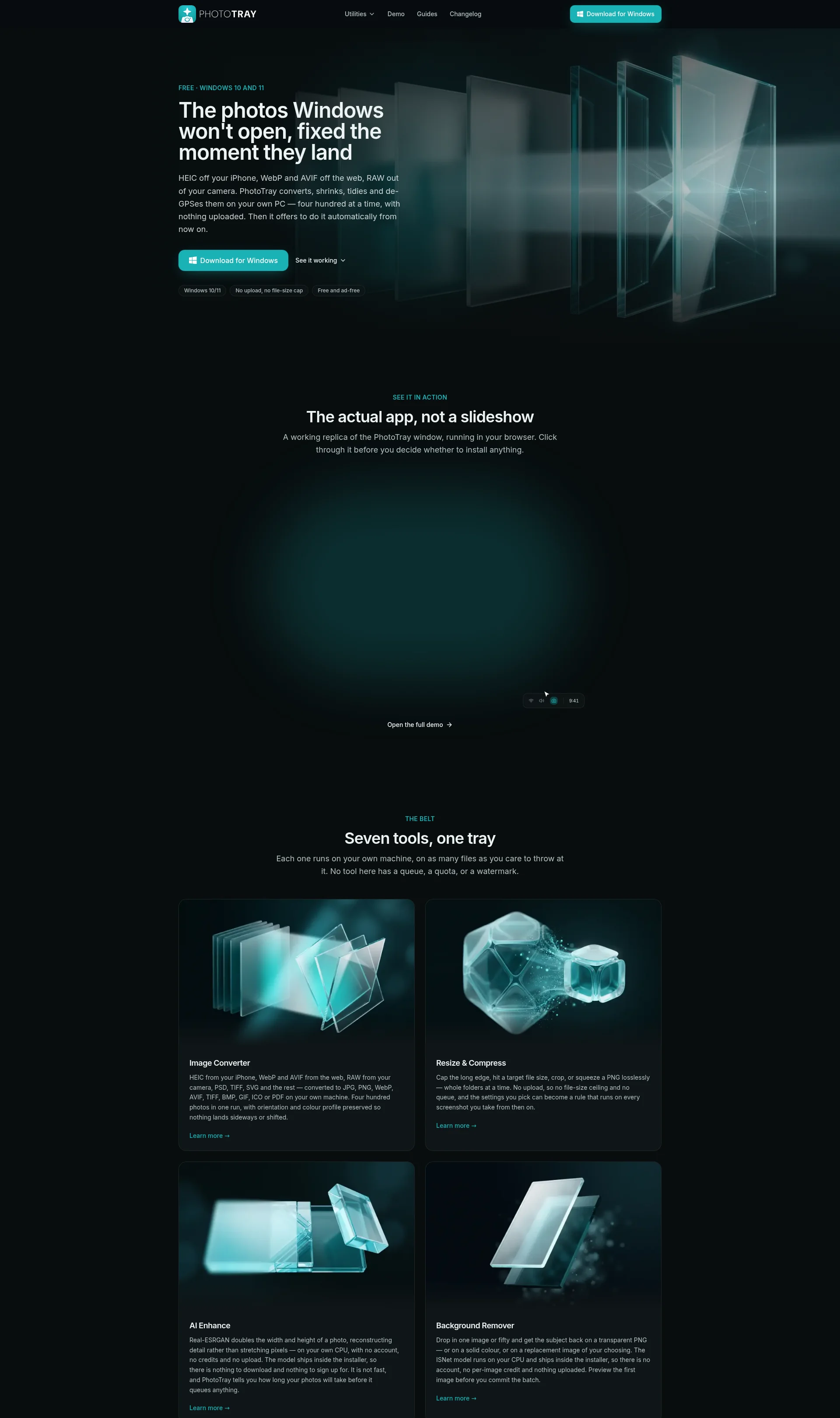
PhotoTray is a free Windows utility belt for photos.
Overview
PhotoTray is designed to help users manage and edit their photos on their Windows PC. It offers a range of tools, including image conversion, resizing, AI enhancement, background removal, photo organization, privacy scrubbing, and video fixing.
Key Features
- Image Converter: converts images from various formats, including HEIC, WebP, and AVIF, to JPG, PNG, and other formats
- Resize & Compress: resizes and compresses images to reduce file size
- AI Enhance: uses AI to enhance image quality
- Background Remover: removes backgrounds from images
- Photo Organizer: organizes photos into folders based on date and other criteria
- Privacy Scrub: removes location and other metadata from photos
- Video Fix: fixes video files that won't play
How It Works
- Install PhotoTray on your Windows PC
- Drop your photos onto the tool you want to use
- Choose the output format and settings
- Let PhotoTray do the work
Benefits
- Easy to use
- Fast and efficient
- No uploading or cloud storage required
- Free and ad-free
Use Cases
- Converting HEIC files from iPhone to JPG
- Resizing and compressing images for web use
- Enhancing image quality with AI
- Removing backgrounds from product photos
- Organizing photos into folders
Integrations
None
Pricing Overview
PhotoTray is free to use, with no ads or watermarks. It is funded by sharing a slice of your device's idle bandwidth.
Related Apps
Discover similar apps that might interest you