Website Score Breakdown
Comprehensive analysis across core technical and business dimensions
💡 Get the Full Analysis
See what's behind each score and get specific, step-by-step fixes to improve your site's performance and ranking.
- Specific issues found in your site
- Step-by-step implementation guides
30-Day Money Back Guarantee
Quality Badge
Share your site score on your website

<a href="https://microsaas.directory/saas/passwordpurevpncom" target="_blank" rel="noopener">
  <img src="https://microsaas.directory/api/badge/passwordpurevpncom.svg" alt="MicroSaaS Directory Badge" />
</a>
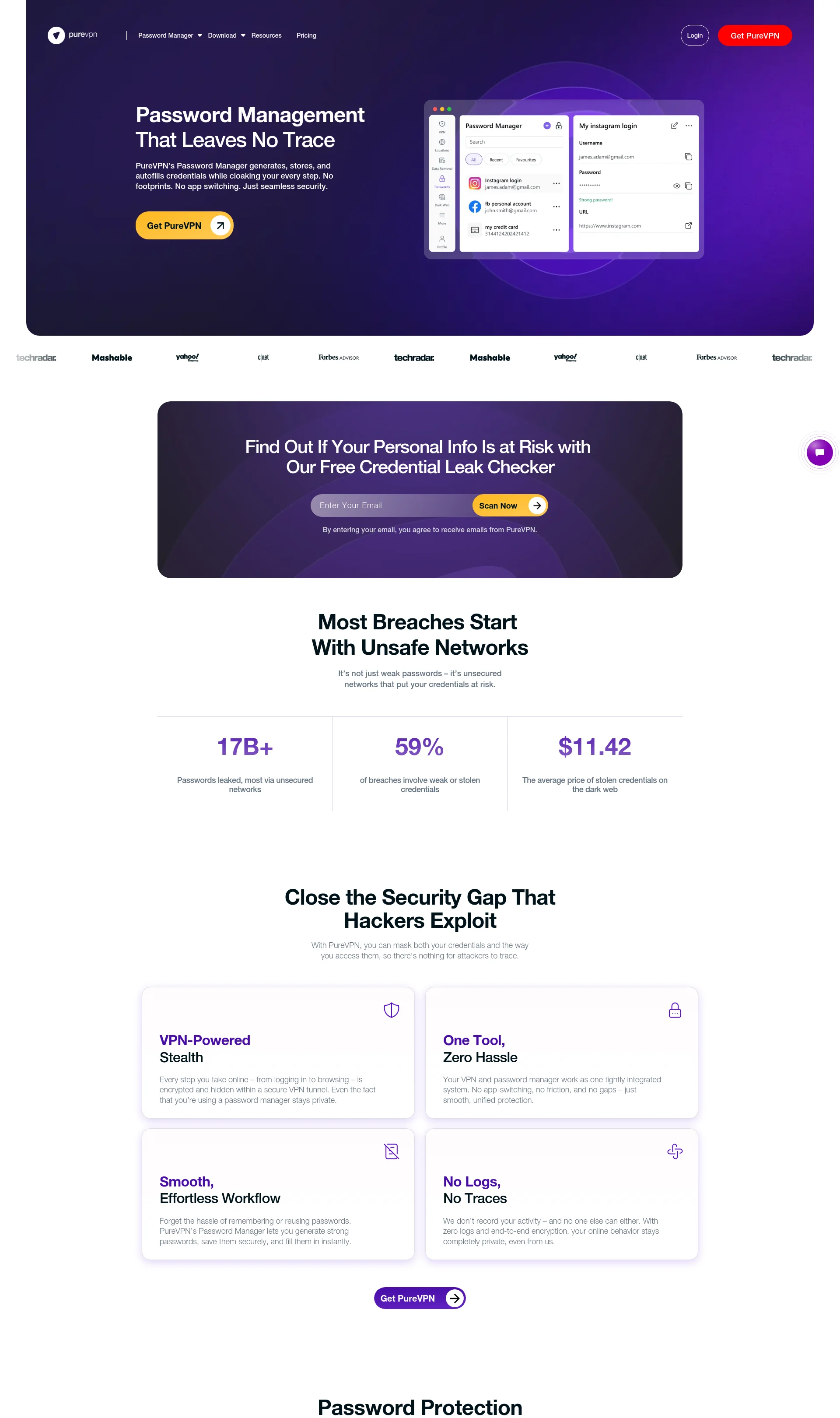
PureVPN Password Manager + Free Credential Leak Checker
Securely store, manage, and autofill sensitive information with PureVPN's Password Manager and VPN protection
Pricing
Categories
Last Updated
Maker
Overview
PureVPN's Password Manager is a secure and convenient way to store, manage, and autofill sensitive information across your devices. It supports multiple categories, including logins, credit cards, bank accounts, and more. Everything is safely encrypted for your convenience and security.
Key Features
- Secure Vault: store sensitive information in a secure and encrypted environment
- Unlimited Items: store as many items as you need, without any limitations
- Save & Autofill: save time and effort by autofilling your login credentials and other sensitive information
- Zero Knowledge Encryption: your data is encrypted and protected, even from PureVPN
- Password Generator: generate strong and unique passwords for all your accounts
How It Works
- Create a master password: set up a strong and unique master password to secure your vault
- Add items: add your sensitive information, such as logins, credit cards, and bank accounts
- Autofill: use the autofill feature to quickly and securely fill in your login credentials and other sensitive information
Benefits
- Convenience: save time and effort by autofilling your login credentials and other sensitive information
- Security: protect your sensitive information with zero knowledge encryption and a secure vault
- Peace of mind: know that your sensitive information is safe and secure, even if your device is lost or stolen
Use Cases
- Personal use: secure your personal sensitive information, such as logins, credit cards, and bank accounts
- Business use: secure your business sensitive information, such as logins, credit cards, and bank accounts
- Family use: secure your family's sensitive information, such as logins, credit cards, and bank accounts
Integrations
- Android
- iOS
- Windows
- macOS
- Web
Pricing Overview
PureVPN's Password Manager offers a freemium model, with a free version and a paid subscription. The paid subscription offers additional features, such as unlimited devices and full-featured faster VPN.
Related Apps
Discover similar apps that might interest you