Website Score Breakdown
Comprehensive analysis across core technical and business dimensions
💡 Get the Full Analysis
See what's behind each score and get specific, step-by-step fixes to improve your site's performance and ranking.
- Specific issues found in your site
- Step-by-step implementation guides
30-Day Money Back Guarantee
Quality Badge
Share your site score on your website

<a href="https://microsaas.directory/saas/opalrecallcom" target="_blank" rel="noopener">
  <img src="https://microsaas.directory/api/badge/opalrecallcom.svg" alt="MicroSaaS Directory Badge" />
</a>
Opal
The Spatial Note Taking App for Freelancers
Pricing
Categories
Last Updated
Maker
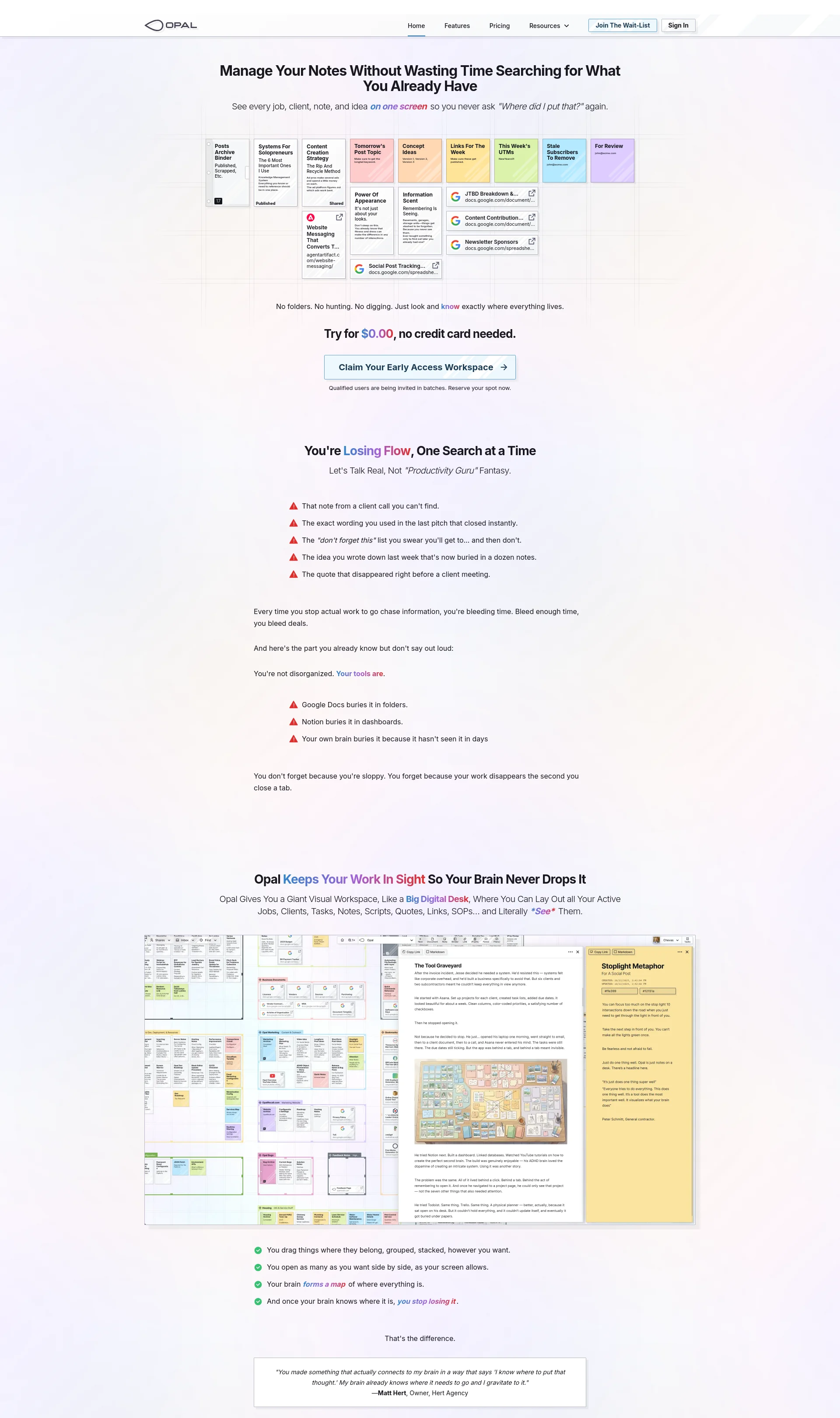
Opal is a spatial note-taking app designed for freelancers to manage their work without wasting time searching for information.
Overview
Opal provides a giant visual workspace where users can lay out all their active jobs, clients, tasks, notes, scripts, quotes, links, SOPs, and literally see them.
Key Features
- Massive Space: Lay out every job, client, initiative, and idea on a giant 20,000 x 20,000 pixel grid.
- Connected Notes, Documents, & Tasks: Write notes from calls, draft proposals, build how-to guides, capture talking points.
- SOPs and Playbooks: Standard Operating Procedures actually get used when they're sitting in view next to the work they support.
How It Works
- Add it to your workspace: Take a note, write a doc, paste a link, store a checklist, capture a process, save a quote.
- Put it where it belongs in your head: Example: You've got a project named "Kitchen Remodel." You add all notes, material specs, cost breakdowns, and to-dos into that physical area of the grid.
- Open anything side-by-side: Click any item to open it. Open 2. Open 5. As many your screen will fit.
Benefits
- You connect ideas across clients, projects, and ideas like you've got total recall.
- You Stay In Flow, No Context Lost, And No Rhythm Broken.
- You walk into every meeting already prepped, every detail, quote, and note visible in one glance.
Use Cases
- Client-Facing Pros: Every follow-up, quote, renewal, or conversation pinned exactly where you'll see it again.
- Project Builders: Plans, specs, notes, and change requests laid out side by side, not buried in folders.
- Operators & Consultants: SOPs, processes, templates, and playbooks in view, not forgotten.
Integrations
Opal has plans for API access and integrations with AI agents and other applications.
Pricing Overview
Opal offers a free tier and two paid plans: Core Essentials and Complete System.
Related Apps
Discover similar apps that might interest you