Website Score Breakdown
Comprehensive analysis across core technical and business dimensions
💡 Get the Full Analysis
See what's behind each score and get specific, step-by-step fixes to improve your site's performance and ranking.
- Specific issues found in your site
- Step-by-step implementation guides
30-Day Money Back Guarantee
Quality Badge
Share your site score on your website

<a href="https://microsaas.directory/saas/markdificcom" target="_blank" rel="noopener">
  <img src="https://microsaas.directory/api/badge/markdificcom.svg" alt="MicroSaaS Directory Badge" />
</a>
Markdific
Markdown Viewer & Editor for Mac, Windows and Linux
Pricing
Categories
Last Updated
Maker
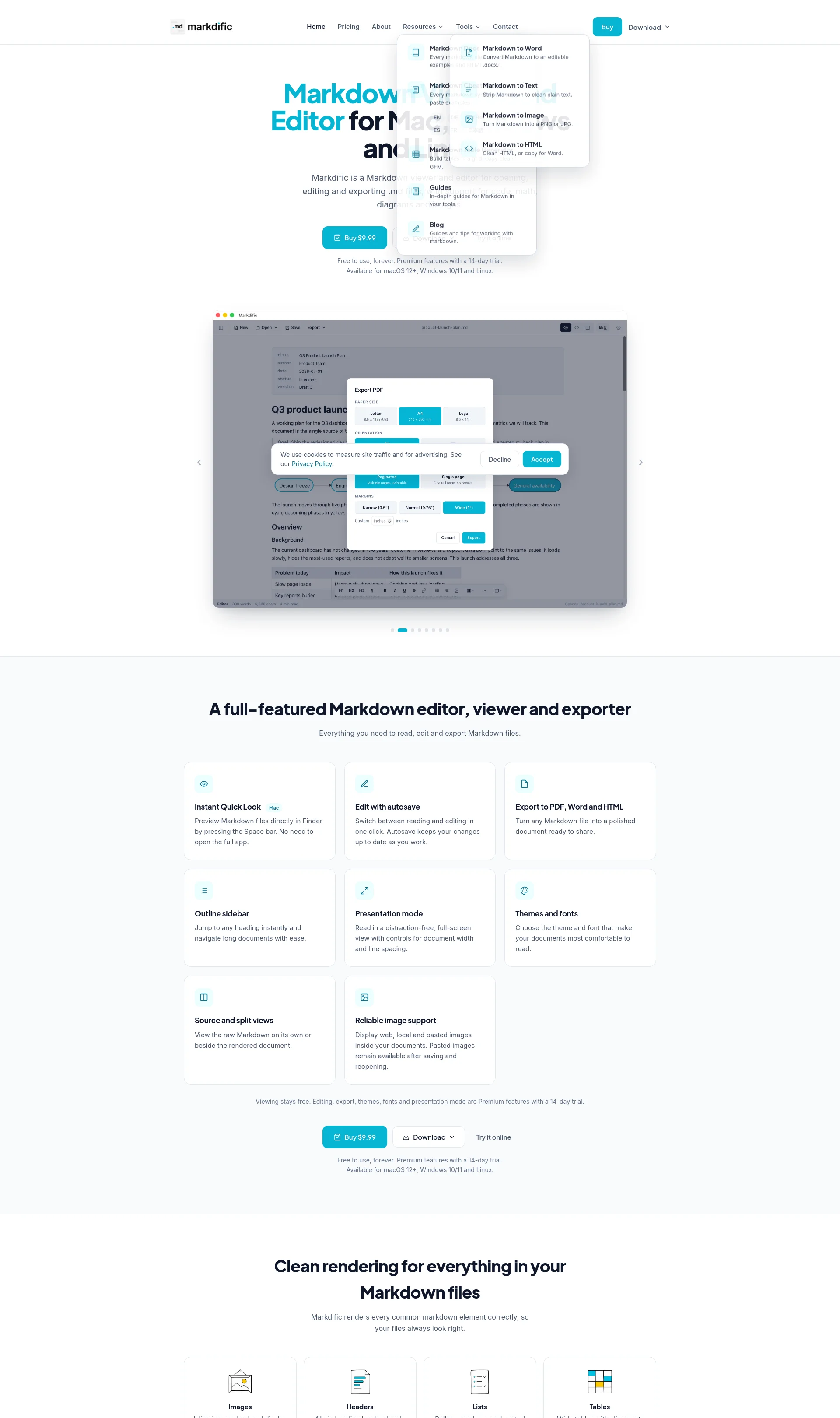
Markdific is a Markdown viewer and editor for opening, editing and exporting .md files, with support for code, math, diagrams and images.
Key Features
- Instant Quick Look Mac: Preview Markdown files directly in Finder by pressing the Space bar.
- Edit with autosave: Switch between reading and editing in one click. Autosave keeps your changes up to date as you work.
- Export to PDF, Word and HTML: Turn any Markdown file into a polished document ready to share.
- Outline sidebar: Jump to any heading instantly and navigate long documents with ease.
How It Works
Markdific renders every common markdown element correctly, so your files always look right. It supports images, headers, lists, tables, code fences, mathematics, diagrams, and inline styles.
Benefits
- Simple and easy to use: No learning curve, built for everyone to use every day.
- Reliable image support: Display web, local and pasted images inside your documents.
- Comfortable reading: Choose from a range of carefully designed themes and fonts.
Use Cases
- Open AI-generated Markdown files without the raw syntax: ChatGPT, Claude, and Gemini hand you markdown files all day, and Markdific opens them the way they were meant to look.
- Edit and save markdown files: Make changes without breaking anything, and export to PDF, Word, or HTML.
Integrations
None mentioned.
Pricing Overview
Markdific offers a free trial for 14 days, after which editing, saving, and export features require a one-time purchase of $9.99.
Related Apps
Discover similar apps that might interest you