Website Score Breakdown
Comprehensive analysis across core technical and business dimensions
💡 Get the Full Analysis
See what's behind each score and get specific, step-by-step fixes to improve your site's performance and ranking.
- Specific issues found in your site
- Step-by-step implementation guides
30-Day Money Back Guarantee
Quality Badge
Share your site score on your website

<a href="https://microsaas.directory/saas/filestudioapp" target="_blank" rel="noopener">
  <img src="https://microsaas.directory/api/badge/filestudioapp.svg" alt="MicroSaaS Directory Badge" />
</a>
File Studio
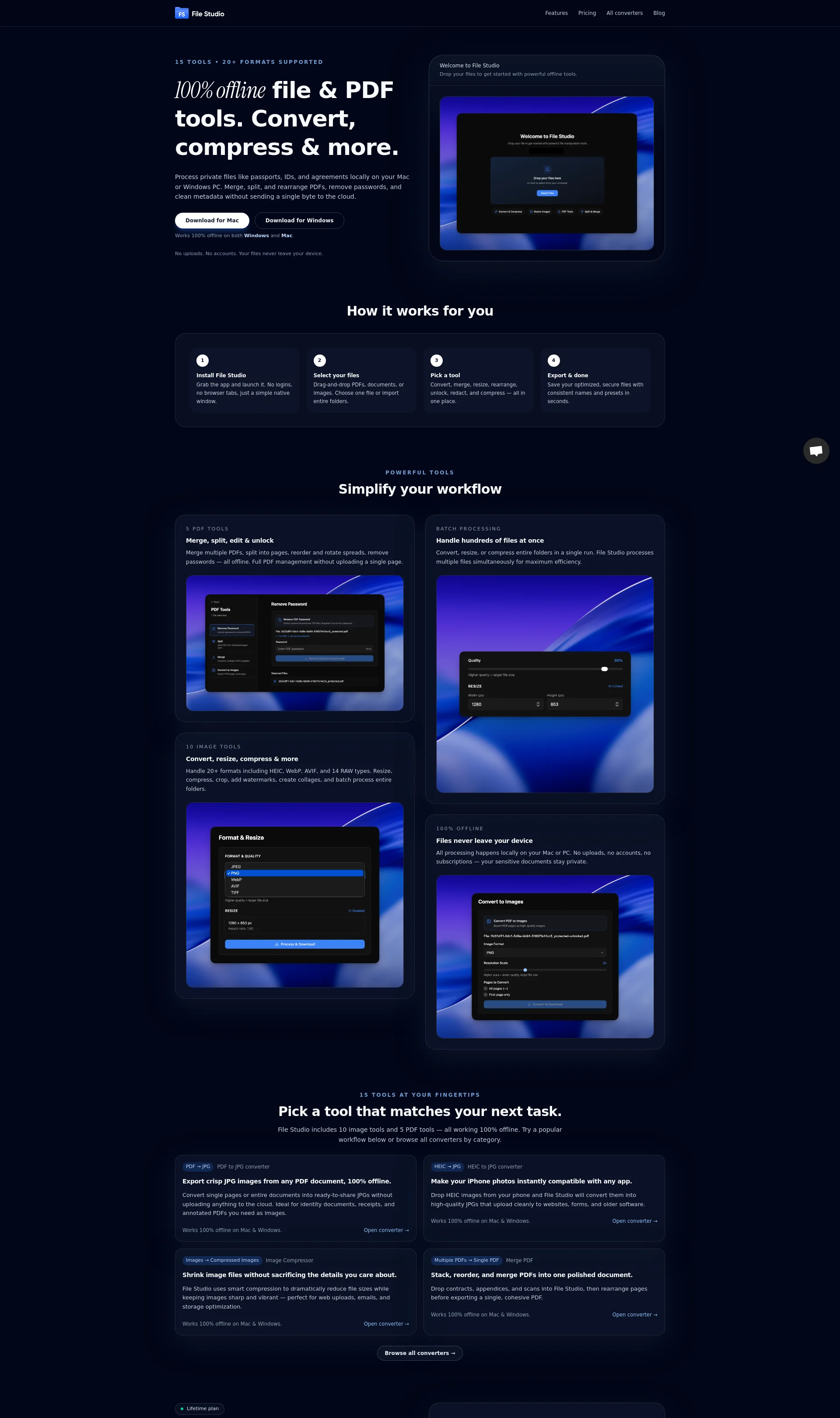
100% offline file & PDF tools to convert, compress, and organize your files
Pricing
Categories
Last Updated
Maker
File Studio is a powerful offline tool that allows you to convert, compress, and organize your PDFs and images without uploading them to the cloud.
Overview
File Studio is designed to work 100% offline on both Windows and Mac, ensuring your sensitive documents stay private. With 15 tools at your fingertips, you can merge, split, edit, and unlock PDFs, as well as convert, resize, compress, and more for images.
Key Features
- 5 PDF tools: Merge, split, edit, unlock, and convert to images
- 10 image tools: Convert format, resize, compress, rotate & flip, crop, adjust filters, add watermark, create collage, batch operations, and combine to PDF
- Batch processing for handling hundreds of files at once
- 100% offline processing, no uploads or accounts required
How It Works
- Install File Studio and launch it on your Mac or Windows PC.
- Select your files and choose a tool to convert, merge, resize, or compress them.
- Export your optimized files with consistent names and presets in seconds.
Benefits
- Keep your sensitive documents private with 100% offline processing
- Simplify your workflow with powerful tools and batch processing
- Convert and compress files without sacrificing quality
Use Cases
- Convert PDFs to images for sharing or editing
- Compress images for web uploads or storage optimization
- Merge and split PDFs for document management
Integrations
None
Pricing Overview
File Studio offers a one-time license for $29, which includes all current tools, future updates, and on-device processing without monthly fees.
Related Apps
Discover similar apps that might interest you